🧮 Token Tracking
The Token Tracking section within the Workspace of MANTA allows administrators to configure token usage for users on each model. Token tracking helps you measure how many AI model tokens are consumed and ensures usage is within limits.
This configuration is done directly in the Admin Panel, so no additional backend setup is required.
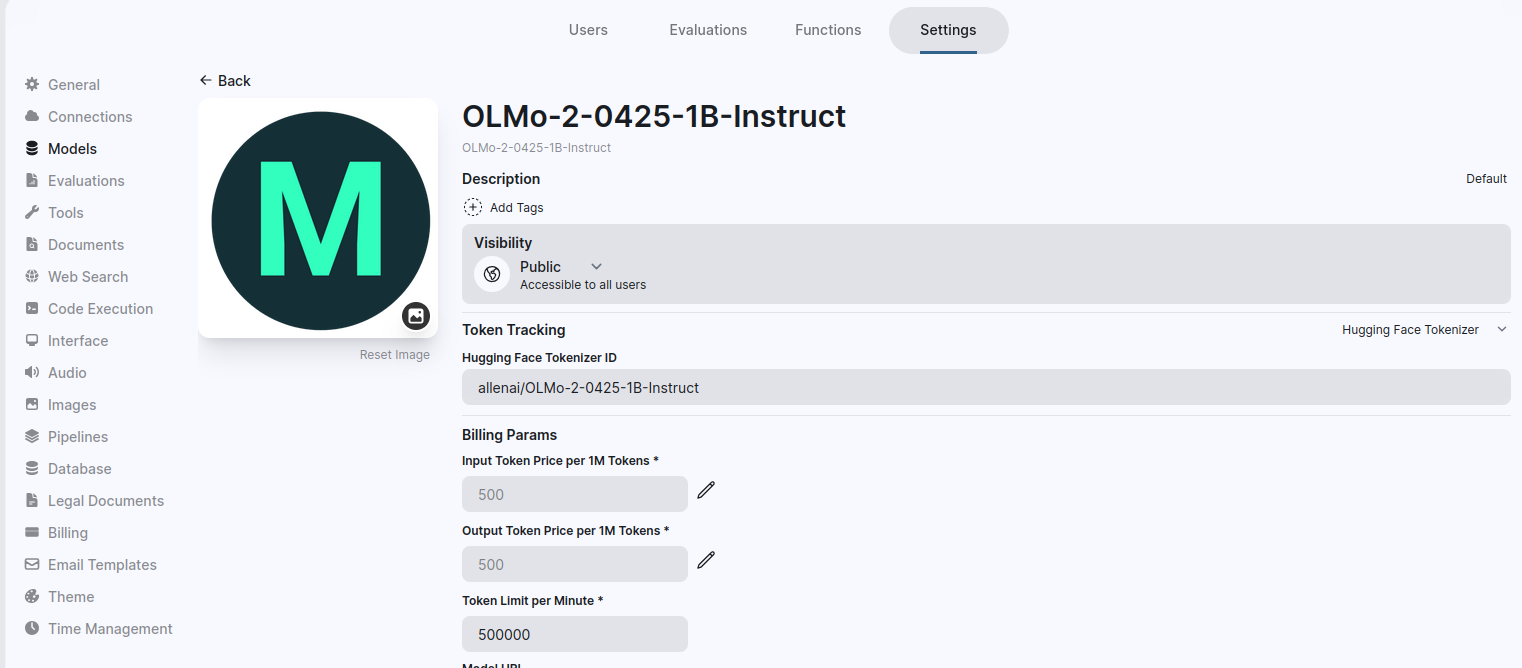
Navigate to: Admin Panel → Settings → Models
From the models list, open a model to access its configuration and token tracking settings.
Available Token Tracking Options
Users can select one of the following token tracking methods:
-
None
- No token tracking will be performed.
- Useful if you do not want to monitor or limit token usage for users.
-
Hugging Face Tokenizer
- Uses Hugging Face’s
tokenizerlibrary to count tokens. - Accurate for models that are compatible with Hugging Face tokenizers.
- Recommended for models that rely on Hugging Face tokenization
- Uses Hugging Face’s
-
Tiktoken Tokenizer
- Uses OpenAI’s
tiktokenlibrary to count tokens. - Accurate for OpenAI models and compatible LLMs.
- Recommended if your models are based on OpenAI tokenization standards.
- Uses OpenAI’s
note
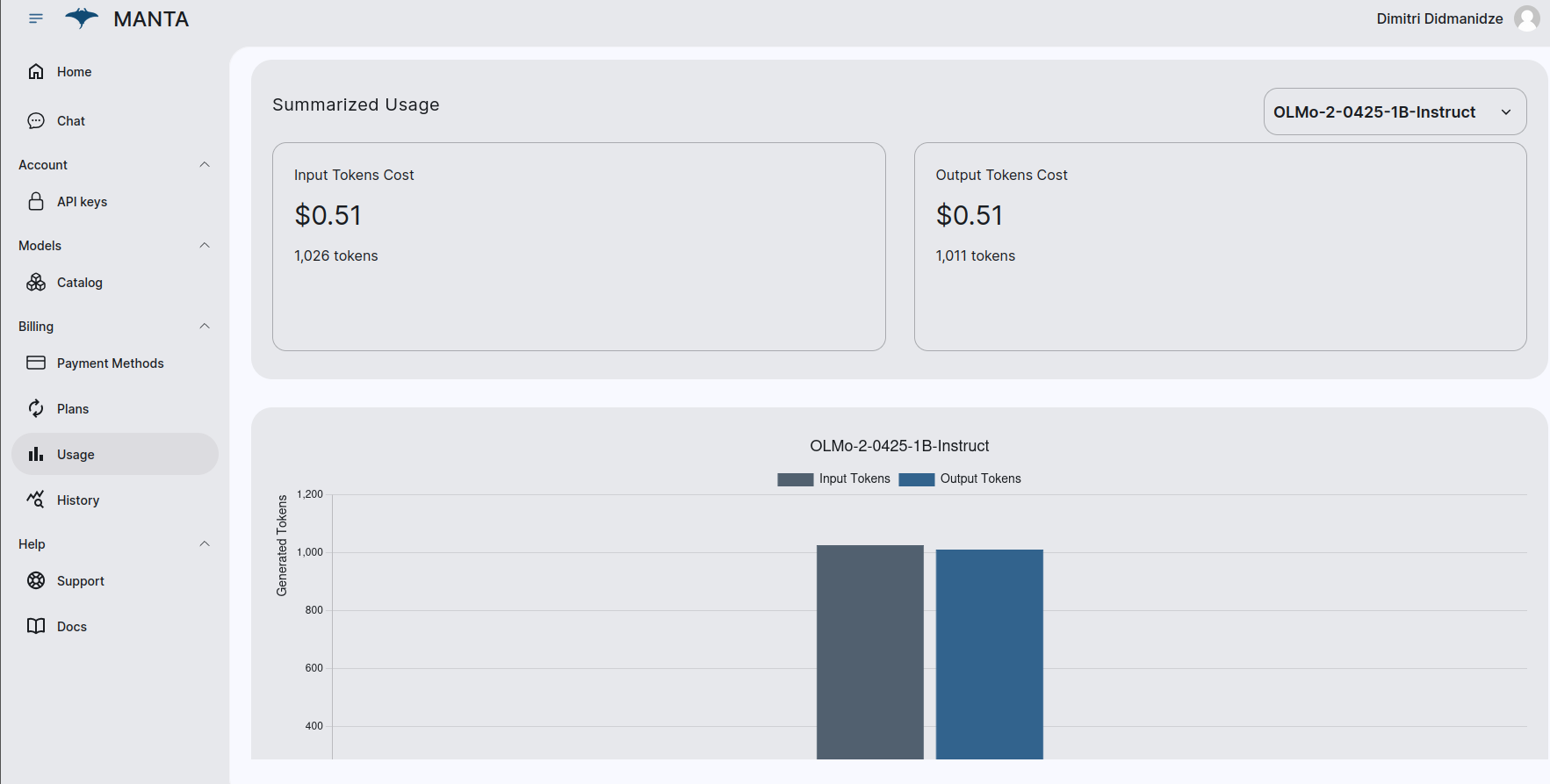
Each user can track their token usage in the Usage section.